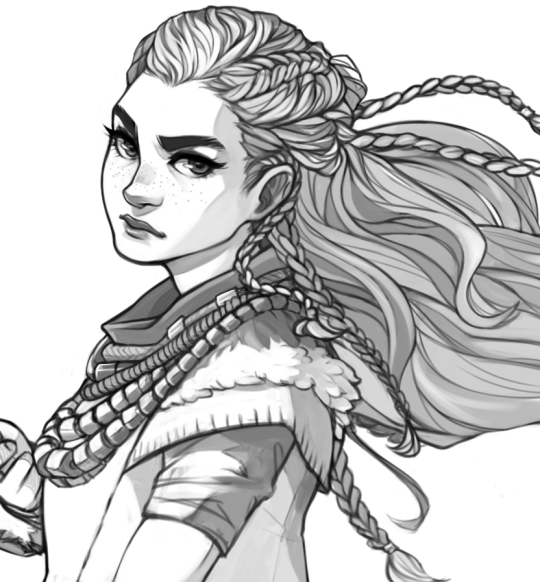
If you’re like me, then you guys love shading your sketches or lineart. Like this:
But if you erase a bit and shade more with black on low opacity it’ll look all wonky so you use the color picker. Or hell you scan or take a photo of a drawing you made on paper. But then this happens if you wanna put color under it!
Oh no! Now I have to set it to multiply to color it in! And then I can’t color in the lineart! 😦
Fret not, my dear friends! I found the solution! Go to [Edit] > [Convert brightness to opacity]
And suddenly you have this:
This way you don’t need to set the lineart to multiply and can color it in! It also works perfectly, if you use this nifty little trick on traditional drawings that you scanned.
I hope this helped you guys, because I sure as hell didn’t know about this until yesterday! ♥
A long time ago an anon asked my thoughts about drawing backgrounds, so I finally got around to putting this together. It’s more prop-centric, but it still represents my philosophy to backgrounds.
I’ll try to do something more about drawing actual background spaces in the future! Please let me know what you think, if anything is unclear, or if you have suggestions for other tutorials you might find helpful!
imo painting skin is more about lighting than shadows or really anything else? if you create a dark base and build light up on top of it the shadows will form naturally.
a big thing is the coloring of the cheekbone area, it is NOT always like this. coloring the cheekbones is completely determined by the MOUTH!
in its most basic form the corners of the nostrils connect to the corners of the mouth and coloring the cheekbones should be determined based on the line between them! light hits off the highest point on the cheekbone and moves outward from there, a scrunched up face would have fewer highlights and more shadows for this reason.
















 I'm Still Kicking